
In this Article
- Thousands of RAW Files and the Context Left on the Overlook
- Filters, Bracket Recipes, and Coordinates Worth Catching at the Setup
- Speak the Setup Before the Tripod Moves
- Pocket Notebook, Voice Memo, or Phone Catalog
- Ingest Presets That File the Day Before the Next Alarm
- Close the Day's Log Before Sleep
Thousands of RAW Files and the Context Left on the Overlook
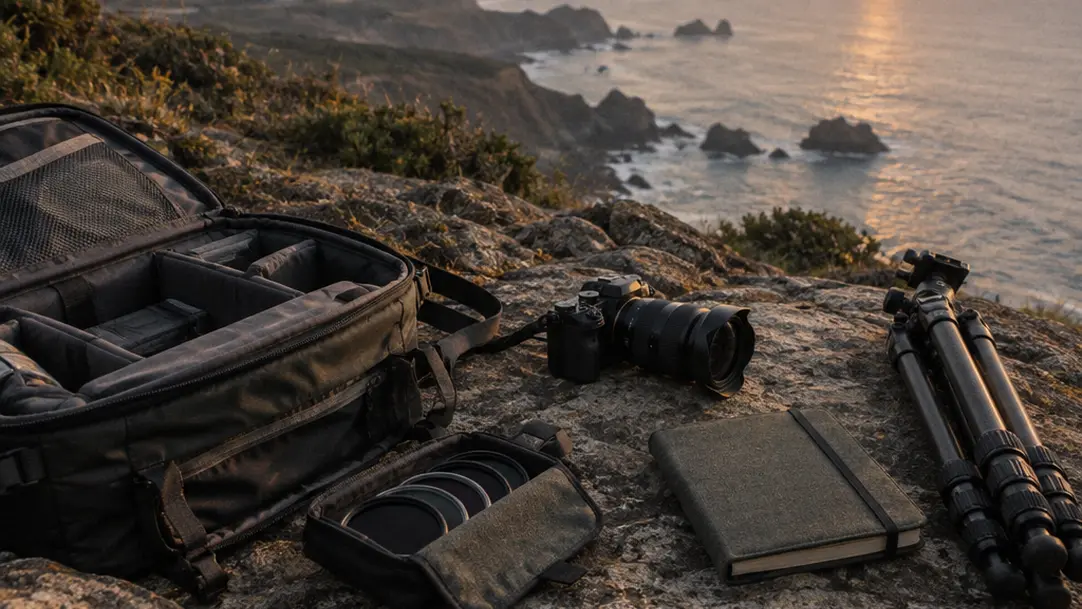
An intensive multi-day tour produces thousands of RAW files before you ever see your own desk again. Every setup adds another burst. You bracket a ridge at sunrise, rebracket ten minutes later because the light slid across the valley, and add a polarized frame for the water. Then you do it all again at the next stop, and the next, until blue hour closes the day.
Open that folder a week later and it looks complete. Every exposure is there. Shutter speed, aperture, and ISO sit in the metadata of each file, exactly as the camera recorded them.
What the folder cannot tell you is why those frames belong together.
Tonal assembly depends on three kinds of context the camera never writes down. The first is the filter treatment that shaped the light: a six-stop ND, a polarizer turned for glare, a soft grad pulling the sky down. The second is the bracket recipe, which defines where one assembly group ends and the next begins. The third is the place, which tells you which viewpoint you are looking at when three overlooks along the same rim all show a similar band of cliffs. An exposure bracket, a repeated bracket after the light changed, and a separately filtered long exposure can sit side by side in the filmstrip with no boundary between them. I think of the overlook as the only place that information exists. If it does not leave with you at the setup, it is gone.
Filters, Bracket Recipes, and Coordinates Worth Catching at the Setup
A useful setup note answers one question: could you rebuild this sequence's grouping and optical treatment without guessing from how the frames look? Three items get you there.
The filter stack, in a reporting order you never change
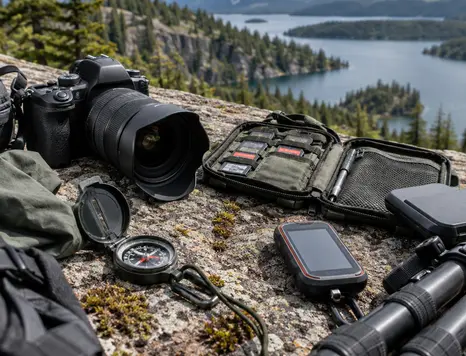
Report neutral density first, then the polarizer, then any graduated filter. That is a reporting order, and it can differ from the physical order of glass on the lens; what matters is that you always say it the same way. Give ND strength with its unit, such as "six stops" or "ND 1.8", because a bare "six" becomes ambiguous within a day. For the polarizer, note how you used it: full glare cut on wet rock, or backed off to keep some sheen. For a grad, record strength, transition type (soft, hard, reverse), and where you placed the transition. Those details explain exposure differences and the sky-to-ground balance that the grade later has to respect, and no exposure setting will explain them for you.
The bracket recipe as frame count, EV step, and order
"Five frames, two EV apart, dark to bright" is a complete recipe. Add exposure compensation if you shifted the whole bracket away from the metered value. With that sentence, a sequence becomes a group you can hand to tone mapping, where without it the same frames read as strays.
Coordinates paired with a name and a heading
Coordinates mark where the camera stood, and they say nothing reliable about a distant subject. Pair them with a place name and either a compass heading or the subject itself: "Rim pullout, facing northeast toward the twin spires." In a slot canyon, under dense forest, or inside a cathedral, the receiver drops. Keep the spoken place and subject, and resist treating a stale position fix as the current coordinate.
Same Tripod, New Entry
A note is finished only when it separates this setup from the one beside it. If you swap a three-stop ND for a ten-stop, or change from three frames to seven without moving the tripod, that counts as a new setup and needs its own entry.
Speak the Setup Before the Tripod Moves
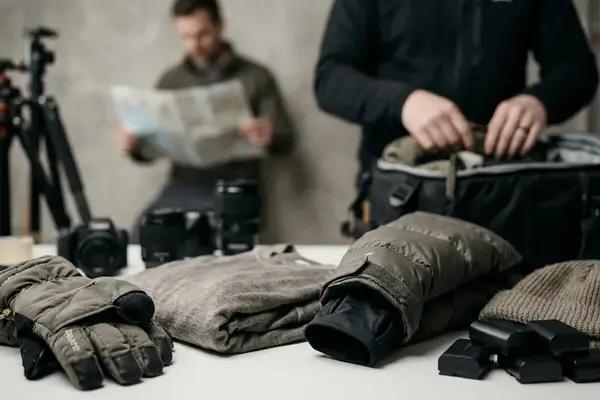
Why a voice memo, when a notebook seems more reliable? Because the moments that matter most for HDR are the ones where your hands are busiest. Gloves, wind, a writing surface you do not have, and a sky changing faster than you can write all push the notebook into the pocket. The phone's voice-memo app captures the same information in the seconds it takes to release the shutter cable.
The memo only works if you speak it in a fixed order every time:
- Clock time as the camera displays it
- Lens and focal length
- Filter stack, in your reporting order
- Bracket frame count and EV step
- Capture order
- Heading or subject
- Place name
Speaking the camera's displayed time matters more than it seems. The audio file has its own creation stamp, but the camera time is what the RAW files carry, and saying it aloud gives you a second anchor if the clocks disagree.
Record one memo per setup. A memo for every frame buries you in reconciliation work that evening; a new memo when the filter, recipe, or subject changes keeps the count matched to real groups. Shelter the microphone from direct wind with your body or a jacket collar, without covering it, then play back the first few seconds before you leave. If you can hear "six stops" clearly, lock the phone and pocket it.
Sync Clocks at Breakfast
Before the first setup each morning, compare camera and phone clocks, including date and time zone. If they differ, say the offset into your first memo of the day. Crossing a time-zone line mid-tour is the classic way to break every later match.
Pocket Notebook, Voice Memo, or Phone Catalog
Each tool preserves a different form of context, and none does the whole job.
A pocket notebook is durable and readable with no transcription and no wind noise. It slows down badly in gloves, rain, and gusts, loose pages wander, and every entry still needs a time or frame reference to link back to the files.
A voice memo captures several technical details in one breath without navigating fields. It stays easy to review only while the spoken order stays fixed. Searching it as text requires a transcript, and transcription software routinely mangles filter terms and place names, so those need checking.
A phone catalog, such as the mobile version of the editor you already use, can hold a star rating, keywords, and a location check while the day is still fresh. It is too slow at the tripod. Treat ratings as selection preference only; a three-star rating carries no information about bracket membership or which filter was on the lens.
The combination that holds up is simple: memo at the setup, then a short catalog pass at the vehicle or the lodging while you can still picture each overlook. The decision turns on two questions. Can you capture the detail without losing the changing light, and can you later link it unambiguously to the files?
The Flight Home Trap
Waiting until the return journey to sort things out is where place names and bracket groupings blur. The audio is still on the phone, intact, but repeated viewpoints and near-identical sequences have merged in memory, and the recording alone rarely tells you which ridge it describes.
Ingest Presets That File the Day Before the Next Alarm
Start the evening by building folders by tour day and place, keeping the original filenames or another stable identifier untouched. Then set up an import preset that carries only what the whole batch shares: the tour name, the day, the region, your copyright. Place names, filter details, and bracket recipes differ setup to setup, so they belong on their own selections after import. Pushing every keyword onto every file makes the catalog lie.
Next, walk through the memos one by one. Use each memo's spoken camera time, adjusted by the offset you recorded that morning, to find its frames. Memo timestamps join reliably to RAW capture times only when you know that camera-to-phone relationship, and when two setups share the same minute you will need the sequence content to tell them apart. Confirm each match against the spoken frame count, the exposure progression, and the subject.
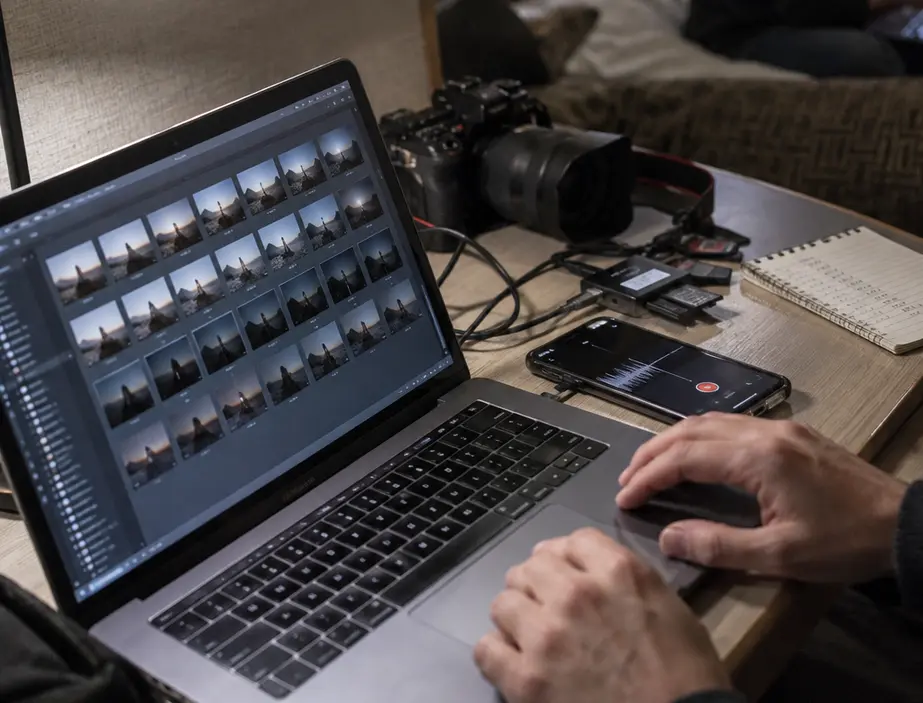
Store each bracket in a stack or another explicit group, then write the recipe into a searchable field: "5 frames, 2 EV, dark to bright, 6-stop ND, soft grad at horizon." Do not infer membership from exposure differences alone; a manual exposure change or a repeated bracket can produce exactly the same staircase of values.
Where coordinates are missing, type the spoken place name into the location field during this same pass. Leave the coordinates empty. An honest blank beats a manufactured position that will mislead you a year from now.
Close the Day's Log Before Sleep
The evening's stopping point is a reconciled field log attached to the ingested sequences. That is a smaller target than a finished tone-mapped image, and it is the one that matters on a tour.
Evening field-log closure
- Every memo maps to a specific setup or image group.
- Filter strength, polarizer treatment, and grad placement appear wherever they applied.
- Each bracket's recorded frame count, EV step, and capture order agree with the files present; interrupted sequences carry a flag.
- Place names sit in the location field, with unknown coordinates left blank.
- Metadata changes are saved, and the catalog has entered the backup routine alongside the RAW files.
That backup point catches people out. Catalog-only annotations live apart from the RAW files, and a card backup alone leaves all of tonight's work unprotected.
My recommendation is firm: every evening of the tour, turn that day's voice memos into keywords, bracket notes, and place names on the ingested files, check the list above, and then stop. Leave the blending and the grading for home. Morning should begin from a closed archive you could hand to someone else, with nothing important still living only in the phone.
Reader Comments
The conversation starts with you.
Your Comment